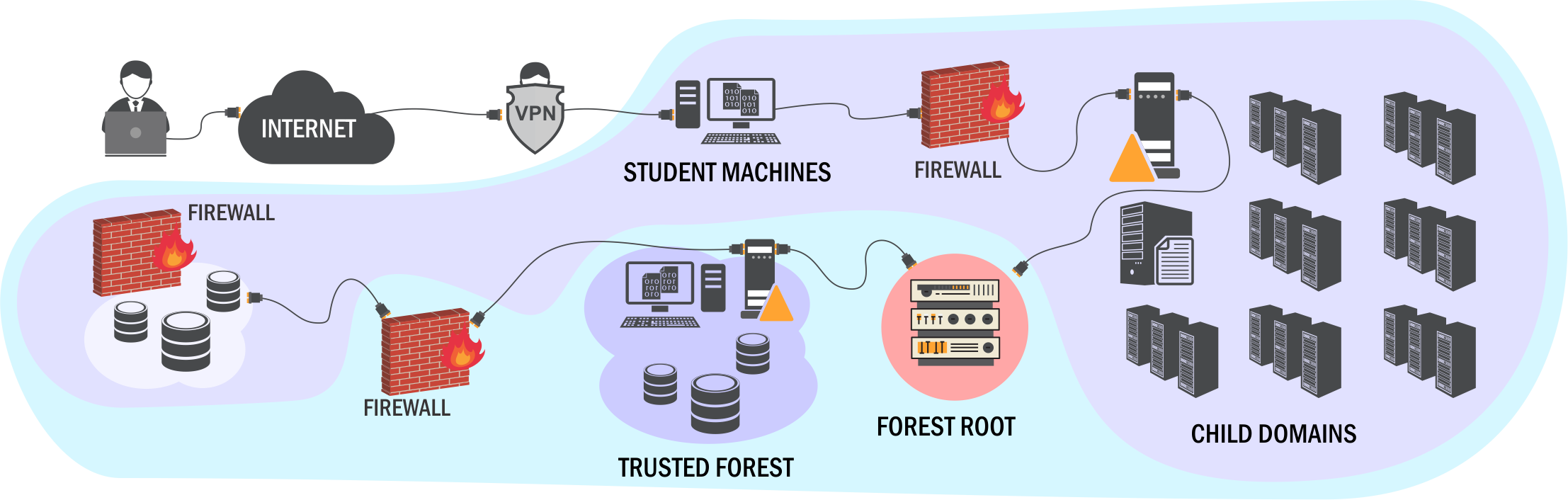
CRTP_PREP_&_EXAM_REVIEW
First things first, CRTP was my first “security” exam ever and also a first 24hr format exam that i have given in my entire life. So yep, I was damn nervous before giving this one.
What is CRTP?
The Certified Red Team Professional certification is an entirely practical program designed to challenge candidates in a hands-on environment. To earn this certification, participants must engage with realistic scenarios within fully updated Windows infrastructure labs that encompass multiple Windows domains and forests.
The certification exam evaluates your ability to compromise Active Directory by utilizing its features and functionalities, steering clear of exploits that can be patched. Candidates are given a 24-hour window during the hands-on exam to showcase their skills.
The primary goal is to execute OS command injection across all machines, regardless of whether commands are run with administrative or lower-level privileges. Following the exam, candidates must submit a comprehensive solution report that includes essential screenshots, the commands utilized, and a detailed explanation of their approach.
Lab Experience
I enrolled myself for the 90 days lab access + Lifetime access to course material + one certification exam bundle which costed me around $499. I did this because I had very little hands on experience with respect to Active Directory.
The course was very structured over recorded lectures with slides and
live demonstrations of exercises covering enumeration, privilege escalation, persistence, lateral movement, bypassing techniques, and defense techniques.
Within the Lab, you can discover a total of 40 flags. Accessing the Lab is straightforward, as you have the option to connect via OpenVPN or through your web browser. There’s no need to install any additional tools, as everything you need is already provided in the lab environment. The lab operates efficiently, and prompt support is readily available if you require assistance. However, some descriptions of the flags may be unclear, which can lead to confusion about what is being asked.
Exam Experience
Read all the instructions given for the exam carefully. You won’t want to miss anything and get yourself in unwanted trouble.
I started the exam on a Friday (18th October 2024 ) evening at 7pm . The exam lasts for 24 hours and is an entirely practical experience. After you begin, the exam lab will be accessible for 25 hours, allowing for an extra hour to account for the 10 to 15 minutes needed for lab setup. Additionally, you must submit a comprehensive report within 48 hours after completing the exam.
Setting up the exam environment takes approximately 10 to 15 minutes. You will receive a VPN file along with credentials for web access. Unlike the labs, the exam machine does not come with pre-installed tools, so you will need to install any necessary tools from your local device.
The first step I took was to transfer the tools that I thought would be more that sufficient for the exam. Defender is enabled, so you need to find a way to transfer the tools without them being detected (this took me an hour).
If you have done the lab manual properly, getting local admin on the initial machine is pretty easy. Once you have done that, from hereon, the process becomes very easy and straightforward.
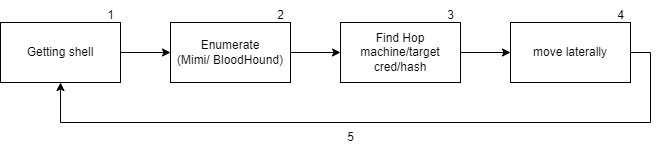
My lecture notes and lab notes helped me a lot during the process. Contrary to what online blogs suggest that this is a fairly easy exam, I beg to differ. Did I enjoy solving the lab exam? YES. But was it moderate-to-difficult level? YEP.
This is what my obsidian graph looked like:
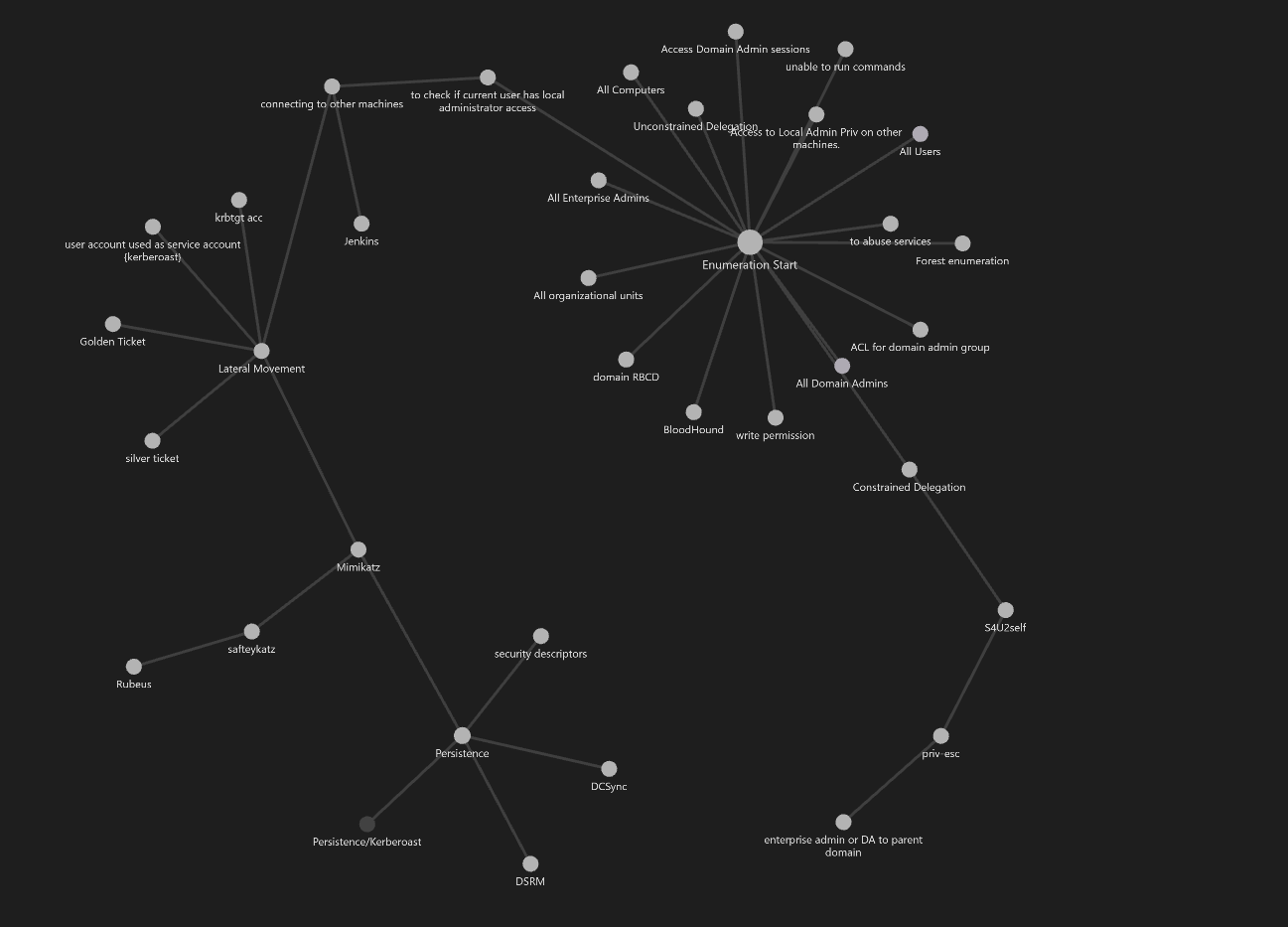
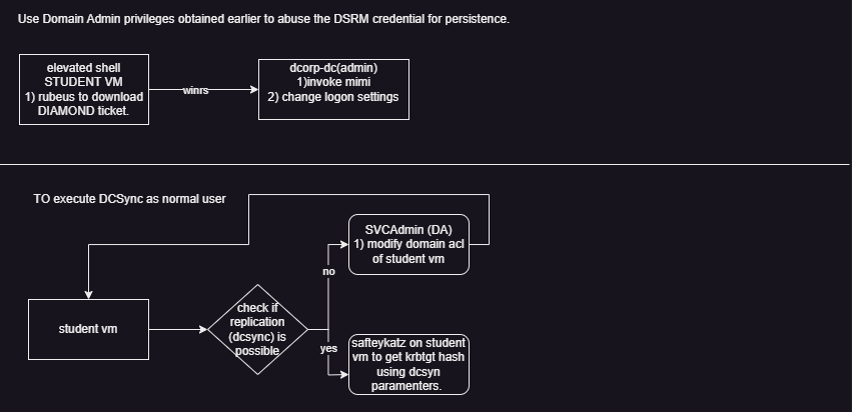
This helped me immensely since you need a structured path to go back to when stuck somewhere. I have provided this particular obsidian over here. I also created mind maps while solving the lab manual as shown below (link to entire mind map here, pls install flow.io and load this there.). This is as per my understanding so sorry if you don’t with it.
I managed to finish my exam in about 11 to 12 hours, including breaks that added up to 1 to 2 hours. While working through the machines, I took screenshots and made brief notes to help me recall my actions when it came time to prepare a thorough and accurate report. It is clearly stated that even if you successfully solve the machines, a poorly crafted report could result in failure. Later that day, I compiled a well-organized report containing all the screenshots and steps I took, and I submitted it to the designated email address. This is the template I used btw.
Result
As soon as I ended the exam, I submitted the report to adlabsupport@alteredsecurity.com and immediately got a response stating
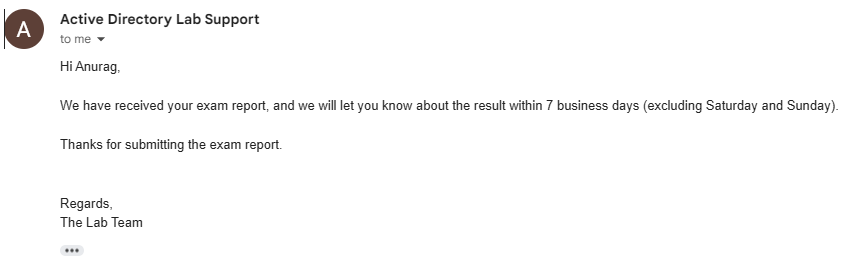
and within 5 days of submitting the report, I got this mail.
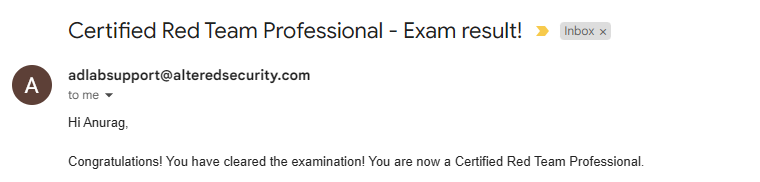
Points To Remember
→ Make proper notes of course and all the labs
→ Setup Bloodhound (ON HOST), and prepare your scripts if you need changes, before the exam
→ Take breaks while giving the exam
→ Take your time to enumerate thoroughly, and then go for the next phase.
→ Don’t skip course content or labs
→ Make sure to take all the screenshots, as you won’t want a poor report.
by
Anurag Chevendra